Making earthquake warnings accessible by streamlining and simplifying user flow of Pinned Location setup, resulting in a 70% improvement in user activation rates.
PROJECT DETAILS
ROLE
Lead Product Designer
TIMELINE
Feb 2024 - Aug 2025
TEAM
1 PM
3 Engineers
6 Designers
DISCIPLINE
User Flow
Interaction Design
Usability Testing
PROJECT SUMMARY
I worked on the end-to-end conceptualization of a feature called Pinned Locations in MyShake, an earthquake app. Pinned Locations helps keep users informed on themselves and their loved ones by simplifying and merging two existing features, making earthquake alerts more accessible to users.
I iteratively improved the set-up flow of Pinned Locations through progressive disclosure and incremental UX changes including visual and layout, ultimately achieving a 70% improvement in successful completion rates.
WHAT IS MYSHAKE?
MyShake is a government-sponsored earthquake app that serves to protect and inform as many users as possible.
Its core features include the unique ability to issue warnings, which warn users before an earthquake strikes to take immediate protective action, as well as notifications, which inform users of earthquake after they strike.
As part of a larger overhaul of the app, I conceptualized and developed a feature called Pinned Locations that allows users to quickly and easily stay informed on earthquakes of personal relevance.
PINNED LOCATIONS
Pinned Locations provide users peace of mind through quick access to safety.
Users can choose to receive either a warning or a notification, depending on the location eligibility.
A warning is only available within 3 states (CA/OR/WA) while a notification is available globally.
THE PROBLEM
Only 17% of users were able to correctly set up a Pinned Location.
Usability testing revealed that many the majority of users were struggling to correctly set up a Pinned Location, causing confusion and frustration.
UNDERSTANDING WHY
Complex technical nuances left us with a circular design, forcing users to backtrack.
Setting up a Pinned Location required two user inputs: the selection between a warning and a notification and the location itself.
However, warnings were limited to 3 states and required a precise address, while notifications accepted broader inputs like a city or a country. This left us with two losing designs:
INITIAL ITERATION
Attempting to explain to users these technical nuances with an initial selection page didn't work.
The initial iteration of the setup flow adopted the Alert Type First flow, where we tried to help users make an informed selection between a warning and a notification.
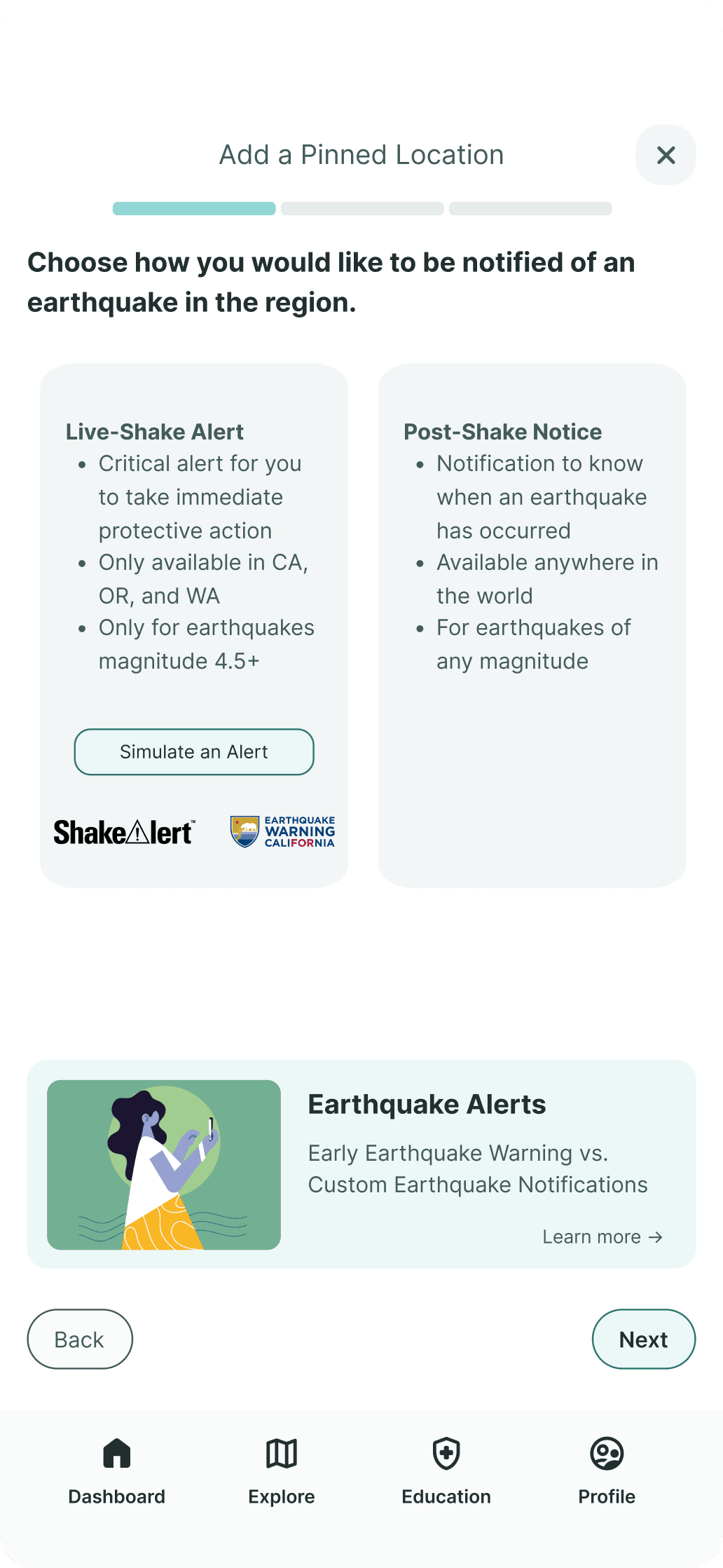
It was with this design that only 17% of users successfully understood the geographical limitations and completed the flow.
IMPROVEMENTS
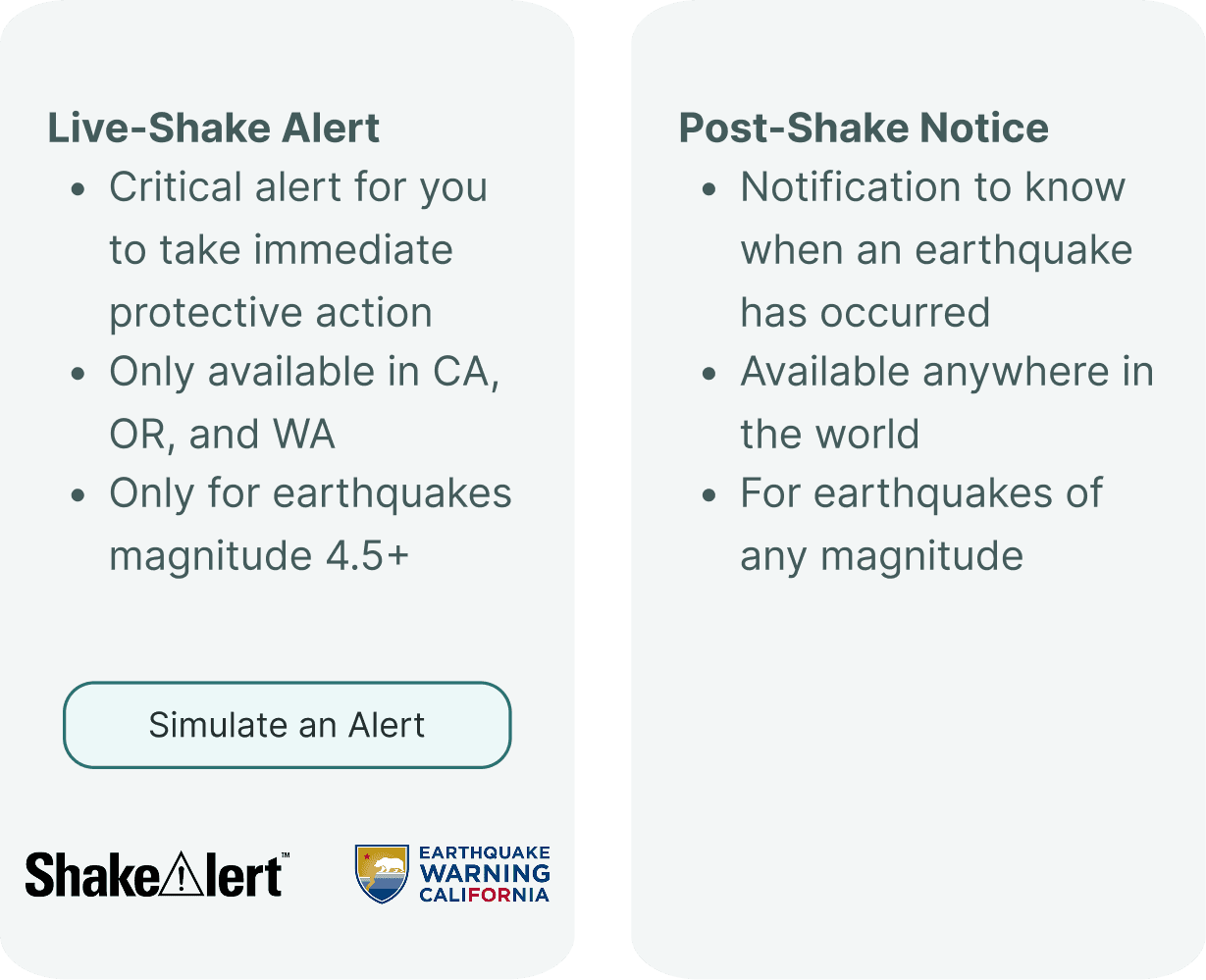
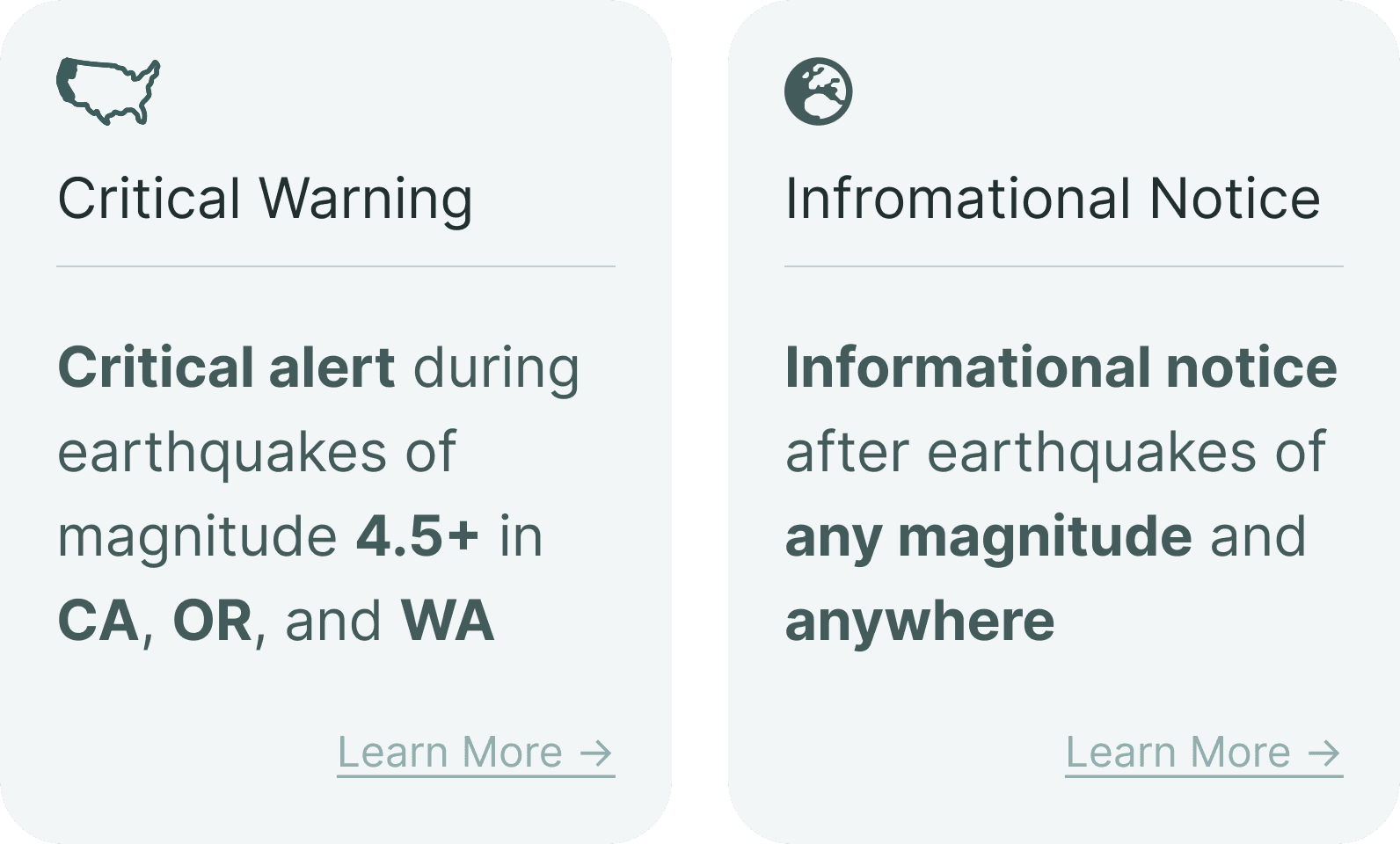
Optimizing the selection page for clarity through incremental copy and design changes.
From the usability testing, it was clear that users weren't understanding the eligibility requirements of a warning.
Therefore, we sought to improve this selection page to clearly communicate this to users through concise and informative copy as well as by introducing supporting iconography to visually reinforce the geographical limitations.
Before
After
IMPACT OF CHANGES
These changes had a limited impact, only marginally increasing completion rates.
Another round of usability testing revealed only 32% of users successfully completed the setup flow.
UNDERSTANDING THE RESULTS
The flow lacked support and was overly frictionless, causing users to hesitate or miss information.
Based on the usability testing results, I uncovered two key patterns:
Hesitation due to uncertainty
Users hesitated with many of the steps due to a lack of support and guidance.
Frictionless flow causes skimming
Users naturally skimmed important information as the flow was too frictionless.
CHALLENGING ASSUMPTIONS
We were hyperfixated on the idea that simplicity = less steps.
After many failed attempts to improve this initial selection page, I realized that we were solving a surface-level issue rather than addressing the root cause.
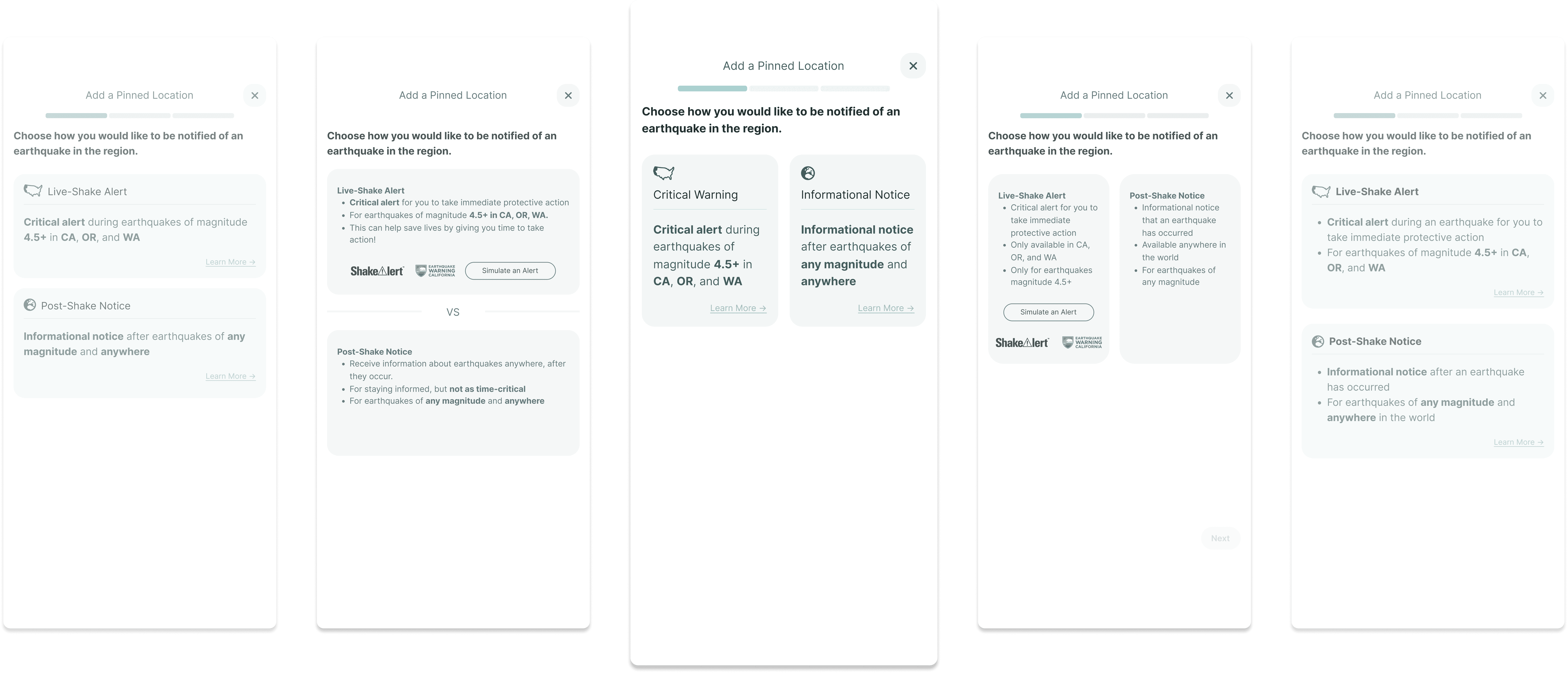
Because we were trying to reduce the number of steps as much as possible, we crammed too much information into a single page.
DISCOVERY
Utilizing progressive disclosure to break down the flow into simpler steps.
Recognizing this assumption, I proposed to move away from the initial selection page between a warning and a notification and rethink the setup flow.
Specifically, I introduced a crucial new first step in the flow that determines the eligibility for a warning with a simple yes or no question.
Is this location in California, Oregon, or Washington?
THE SOLUTION
Designing a fool-proof flow by removing the burden on users to understand the technical nuances.
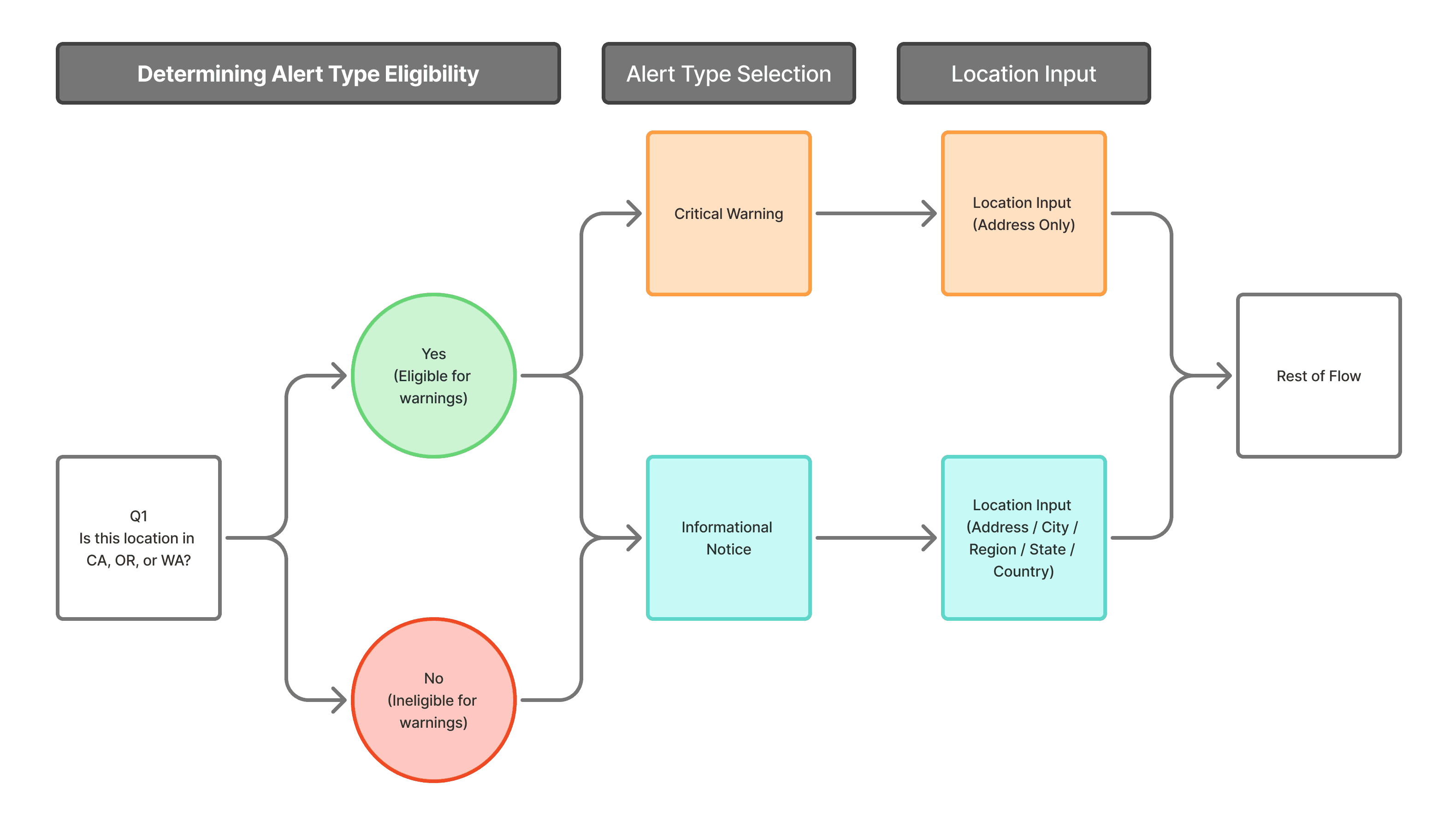
By adding a single question at the start, we streamlined the flow – replacing a complex, user-driven process with a simple yes-or-no that determines eligibility automatically.
INTERACTION DESIGN
Strategic interaction design to introduce intentional friction, driving reflective engagement.
Spatial separation between selection and the confirmation action to encourage more deliberate choices.
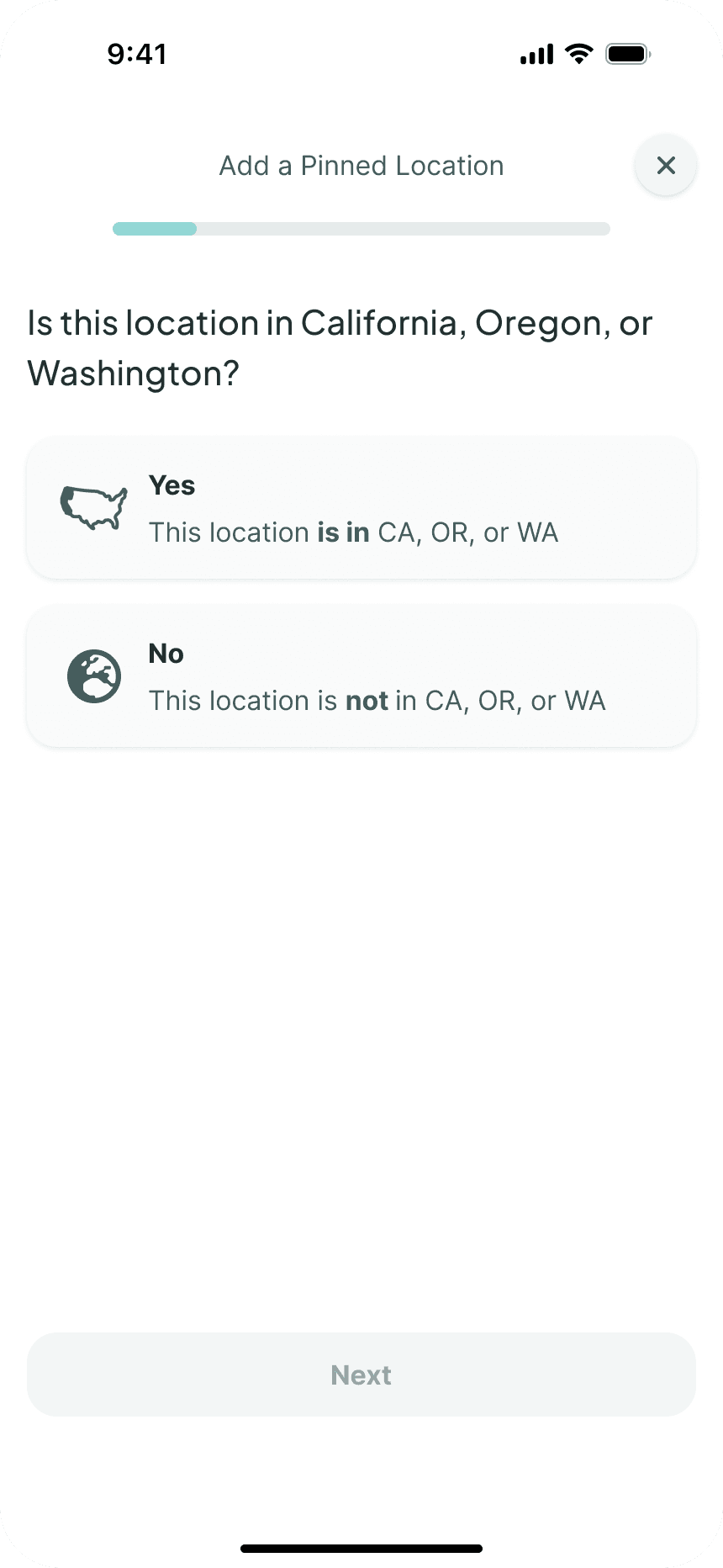
Opted for manual progression to ensure predictability and reduce startle or confusion among less tech-savvy users.
USER INTERFACE DESIGN
Establish user trust through thoughtful user interface design.
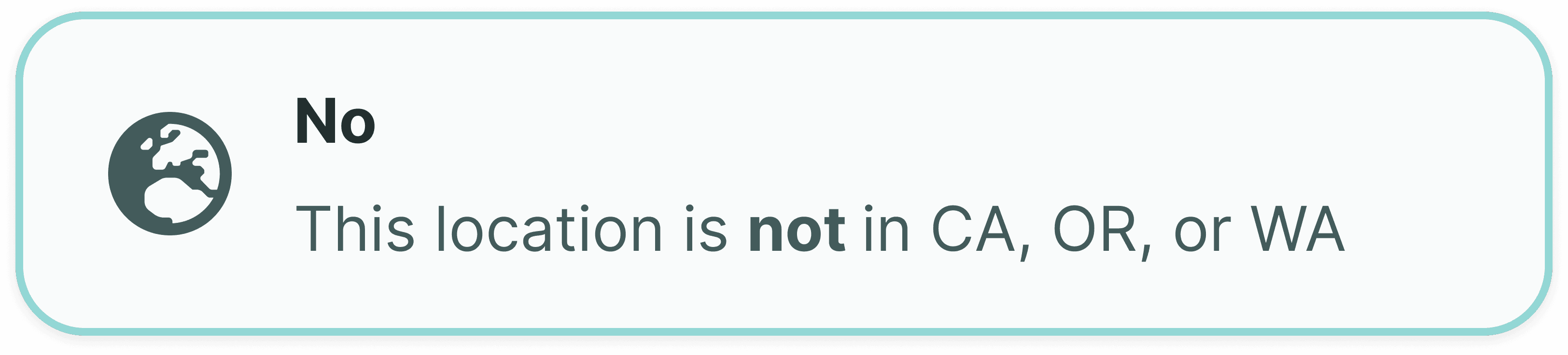
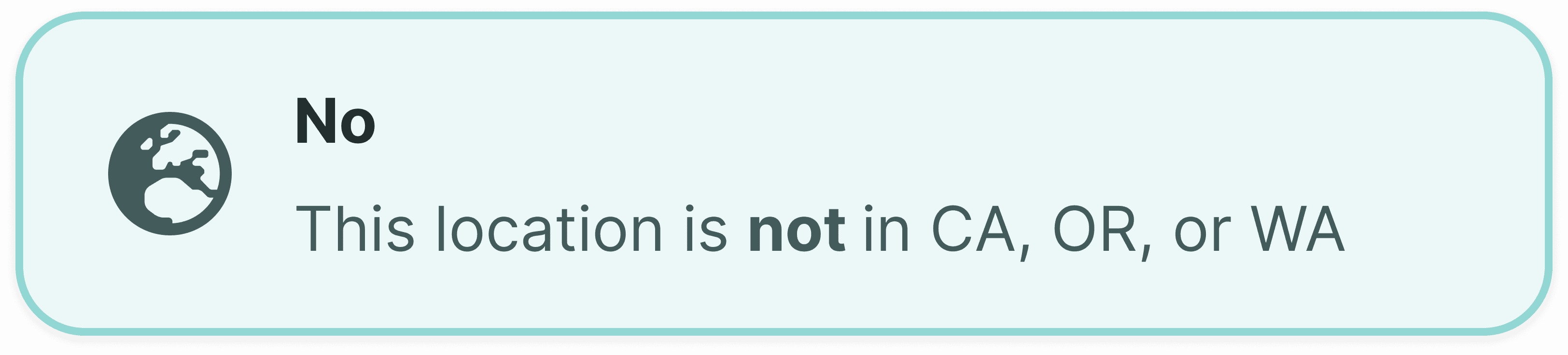
Placeholder text gently guides and helps users to understand expected input formats.
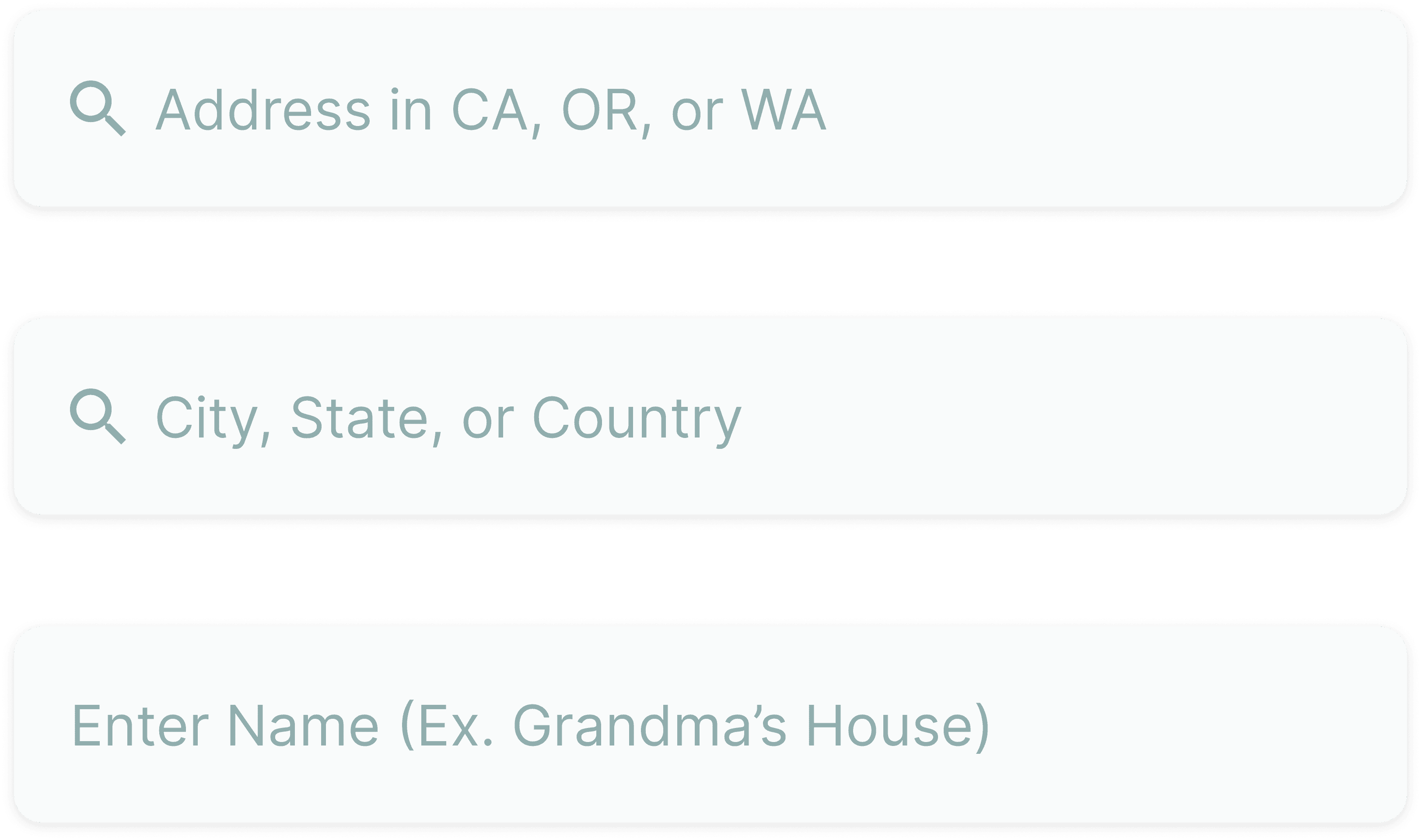
Enhancing the visual clarity of the selected state to reduce ambiguity and increase user assurance during decision-making.
Before
After
FINAL DESIGN AND ITS IMPACT
Revolutionalized Experience – 70% improvement in completion rates, 47% reduction in time-on-task.
With the reimagined flow along with the considerations above that targeted the key usability issues identified earlier, the final design transformed the Pinned Location setup flow.
REFLECTION
Understanding the power of design in critical situations.
MyShake has the potential to save lives. I feel so privileged that I was able to work on such an impactful project with such an amazing team. Thank you Suresh, for being a wonderful manager. Thank you to Hosea, Mary, Ian, Bobo, and Laney for being so much fun to work with.