MyShake
Pinned Locations
End-to-end design of a safety tool to keep you and your loved ones safe
Project Overview
Role
Lead Product Designer
Timeline
Feb 2024 – Aug 2025
Team
1 PM
3 Engineers
6 Designers
Discipline
User Flow
Interaction Design
Technical Tradeoffs
I had the opportunity to work with MyShake, a government-sponsored earthquake app, on a mobile redesign. What initially began as a UI refresh quickly grew into a broader brand and product strategy overhaul—uncovering key usability gaps and opportunities to rethink the experience.
I specifically led the conception to delivery of Pinned Locations, a new feature that repackaged MyShake’s core capabilities, allowing users to stay informed on the safety of themselves and loved ones to boost user engagement and satisfaction by 35%.
Pinned Locations 📍 allows users to stay informed about all locations that matter to them
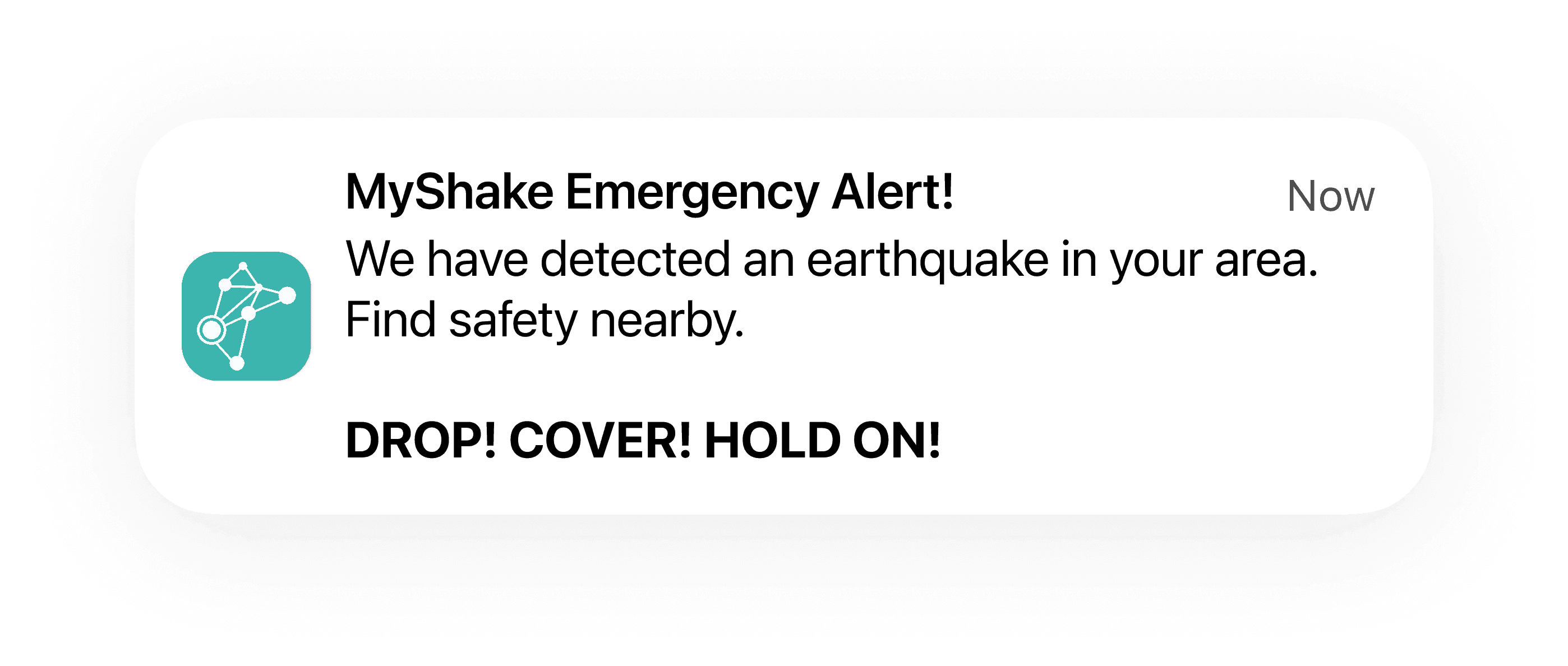
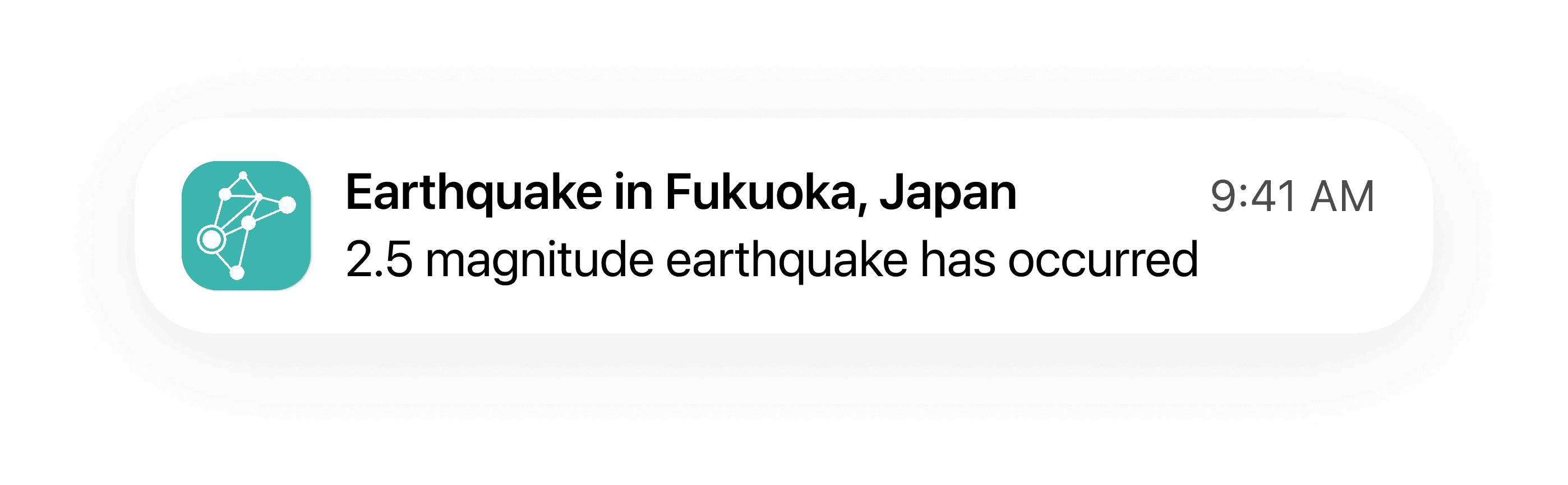
Users can set up Pinned Locations for themselves and their loved ones to get the most up-to-date information on relevant earthquakes. Based on eligibility, they can choose to receive either critical alerts or informational notices.

Experience Reports
Users can submit and view Experience Reports, which highlight user-reported shaking strength and damage of a particular earthquake.

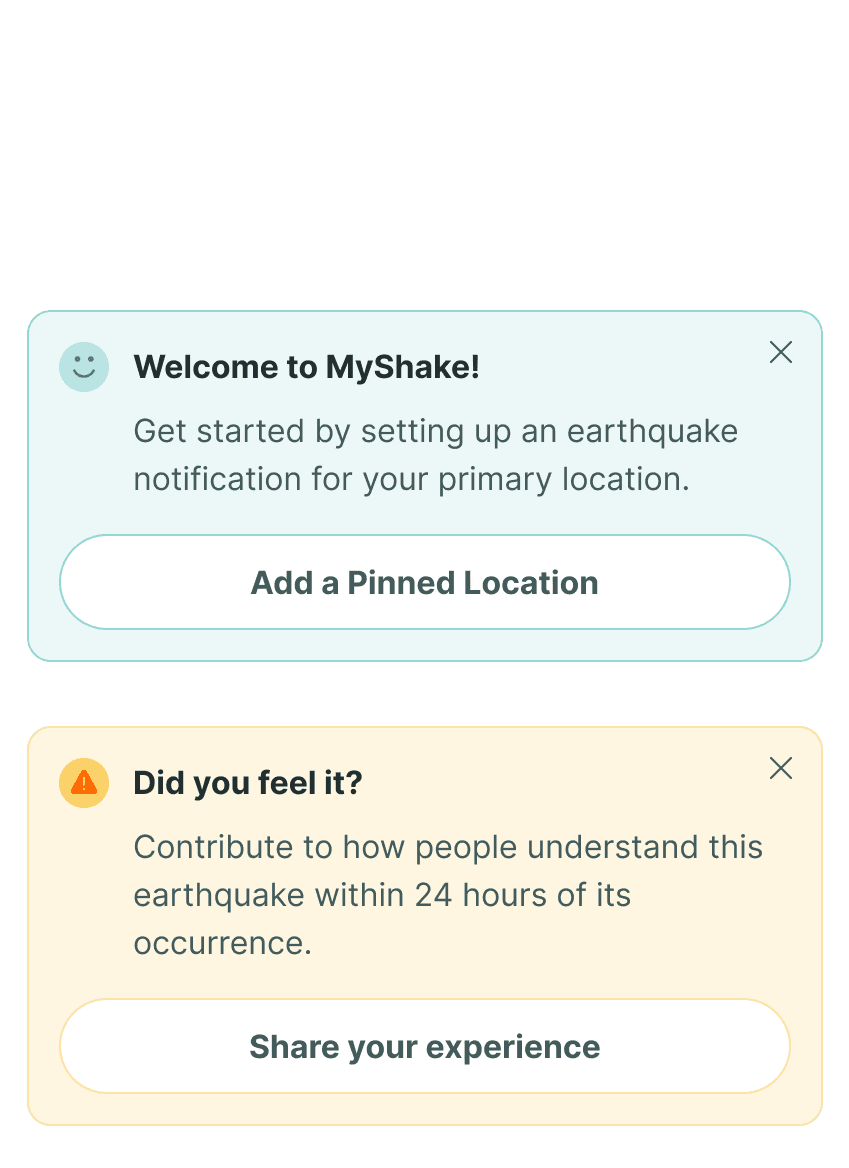
Banners

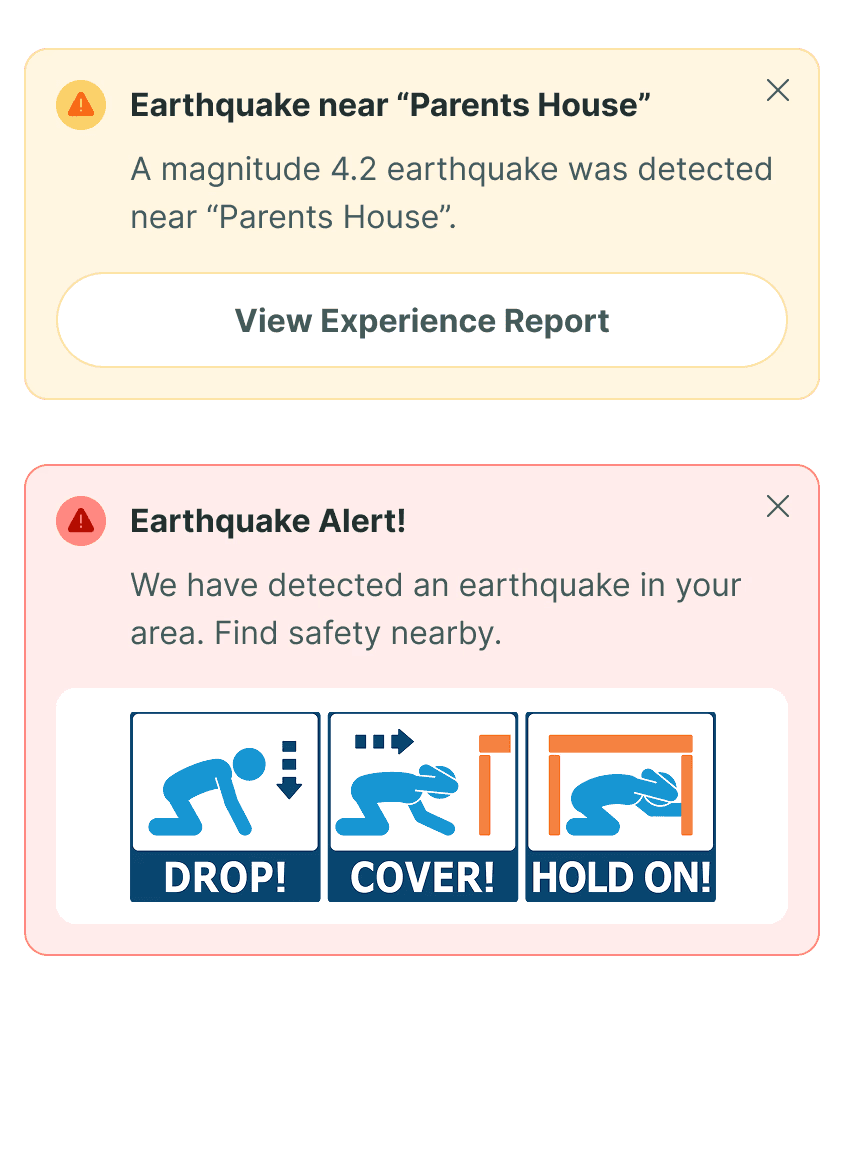
highlight relevant, crucial,
and time-sensitive information
The dashboard interface is designed to accommodate a variety of banners regarding Pinned Locations, surfacing the most important information to users.

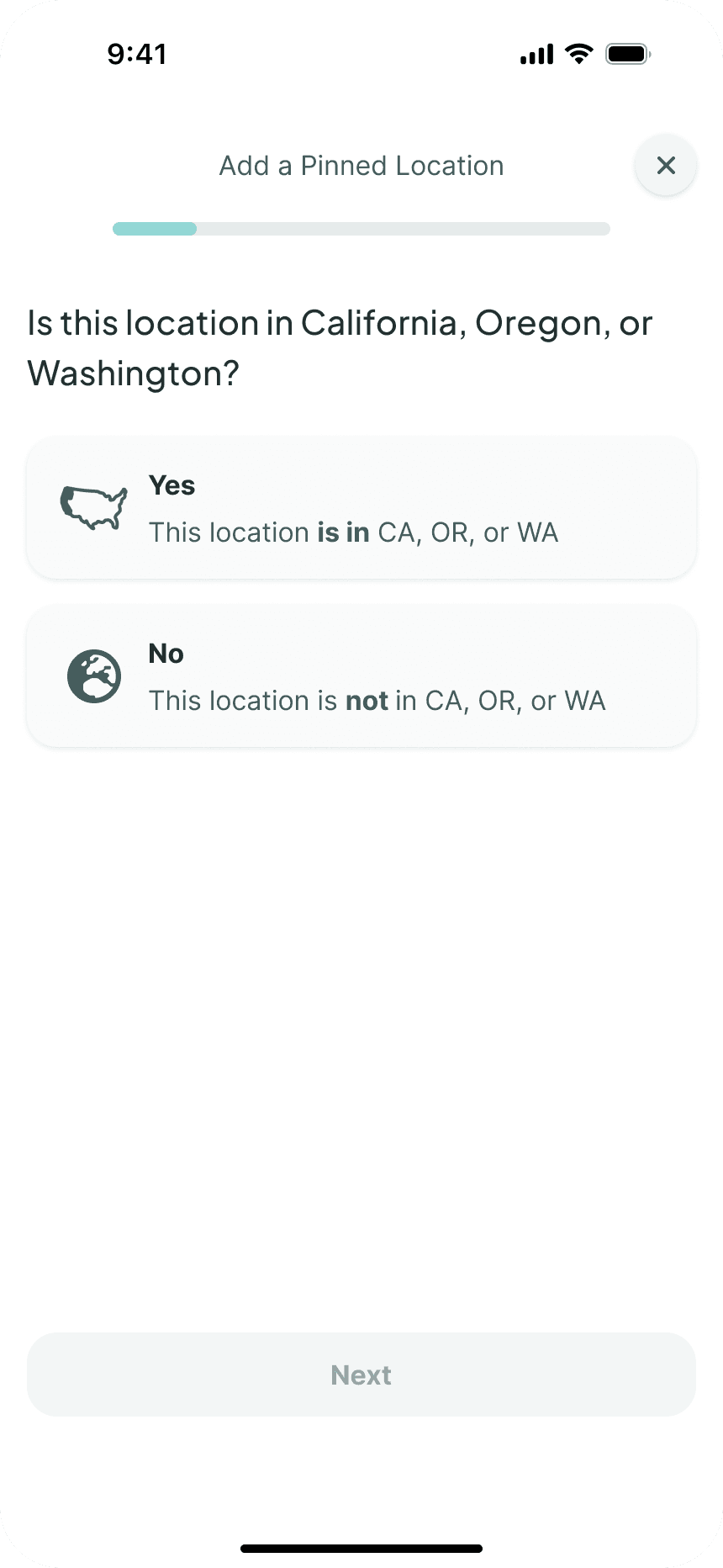
Set up a Pinned Location in 5 easy steps
I simplified complex technical nuances with progressive disclosure and interaction patterns, achieving a 93% successful completion rate.
“Pinned Locations is going to be really helpful”
Pinned Locations is slated for a 2026 launch after boosting the product satisfaction rate by 35% along with its 85% projected adoption rate.
Alongside its conception and delivery, I led the iterative development of the setup flow, ensuring an errorless journey using progressive disclosure and intentional interaction design.


Context
The untapped potential of MyShake’s life-saving feature
MyShake has the unique ability to preemptively alert users of an earthquake. Despite this competitive edge, they only captured 5% of the earthquake app audience with around 4M users.
Problem
The legacy experience felt impersonal with its set-it-and-forget-it approach
This gap emerged from the impersonal, clinical approach of the legacy experience—treating critical safety needs as a set-it-and-forget-it interaction rather than an ongoing source of reassurance.


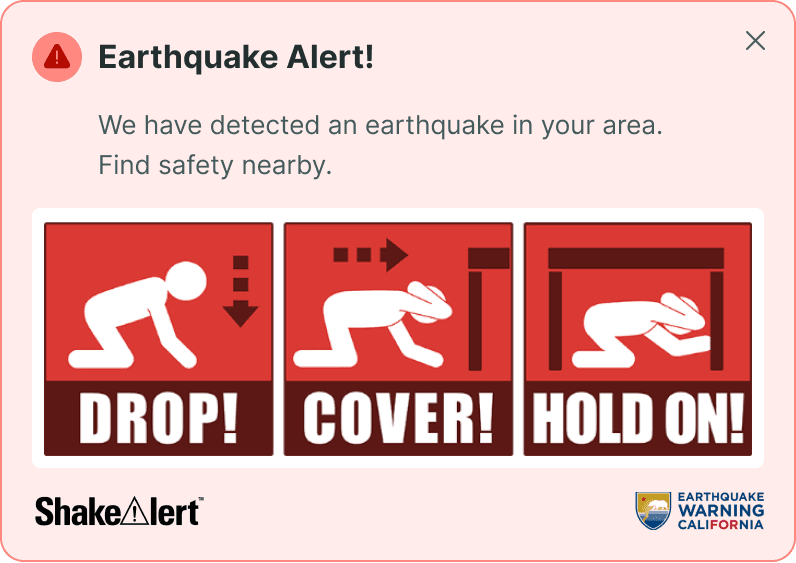
MyShake’s core features—alerts (Homebase) and notifications (Custom Earthquake Notifications)—were hidden and underutilized
Digging Deeper
Users can be warned or informed, which ultimately serves the same purpose
With Pinned Locations, users can receive a preemptive warning to take immediate action or simply be notified of the details of an earthquake.
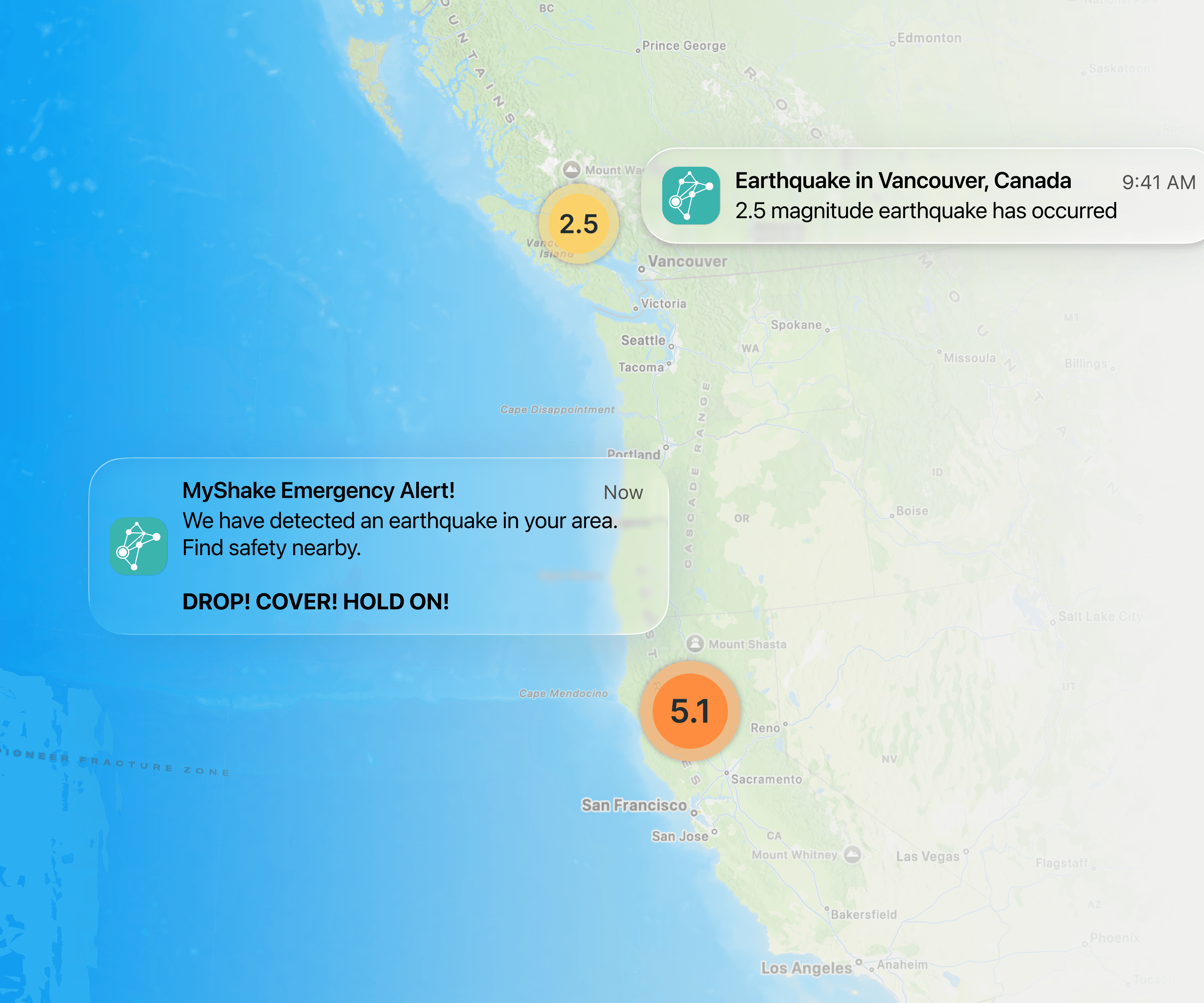
These were originally two distinct features, but their limited availability, complex jargon, and minimal visibility led to low adoption rates, misaligned expectations, and unmet needs.
Realizing that confusion stemmed from overlapping emotional purpose, I proposed to merge the two.
Insight
Information without reassurance fails in moments of fear
Research revealed that MyShake’s core features failed to adequately support the functional and emotional needs of users’ top priority:
The safety of themselves and loved ones.
Strategy
From passive alerts to active peace of mind
This led to Pinned Locations, a confidence-first safety tool built by rethinking MyShake’s existing functionalities, now allowing users to stay informed about all locations that matter to them.
Use-Case Considerations
What do users want to see when they first open the app?
Just receiving notifications wasn’t enough; users seek reassurance proactively, not reactively.
To support this, I surfaced Pinned Locations front and center on the dashboard, offering users an immediate and intuitive way to check in on themselves and loved ones with a simple swipe.
Usability Testing
Any feature can be undermined by a complex setup flow
Despite positive sentiment, usability testing revealed just 17% of users were able to successfully set up a Pinned Location.
Users were skimming past key instructions and limitations, forcing them to backtrack within the flow to correct a previous selection.
Iterations
Attempting to make the selection page more scannable
Copy, hierarchy, and visual cue iterations to enhance scannability led to negligible improvements in completion rates as users continued to skim.
Solution
Leveraging progressive disclosure to limit cognitive overload, ensuring a foolproof setup flow
Here, shorter and easier wasn’t the answer. Comprehension, and subsequently completion rates, improved dramatically with the addition of steps.
Instead of relying on users to understand the technical limitations themselves, I proposed to break down the flow to limit cognitive overload, facilitating decision-making.
Interaction Design
Introducing friction with manual progression and spatial separation for deliberate selections
I opted for manual progression and leveraged spatial separation between the selection and progress button to encourage more intentional interaction.
Interface Design
Establishing confidence and trust with thoughtful interface design
Clear selected states and visual feedback, along with guiding placeholder text, reduced uncertainty, supporting users as they progressed through the flow.
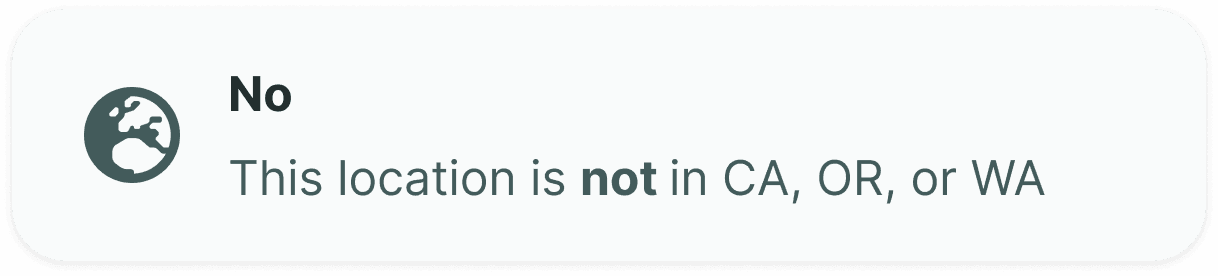
Address in CA, OR, or WA
City, State, or Country
Enter Name (Ex. Grandma’s House)
Impact
Understanding the power of designs in critical situations
Pinned Locations supports MyShake by surfacing its key functionalities that previously failed to support users’ needs. Usability testing yielded positive results:
35%
Increase in product satisfaction
70%
Increase in successful setups
85%
Projected adoption
Reflection
MyShake has the potential to save lives, and I could not be more grateful for the opportunity to contribute to their mission
Pinned Locations was a challenge, but one that made it the most rewarding design I’ve worked on to date.
I feel so privileged that I was able to work on such an impactful project with such an amazing team. I am incredibly proud of what we all accomplished, and all the late-night, weekend work sessions were a blast. Thank you.